How to Access Product Downloads on the Support Website
Summary
This article explains how to locate and download product software, firmware, and related files from the Hitachi Vantara Support Website. It also provides information on accessing Pentaho downloads and third-party vendor downloads.
Objective
To provide instructions for accessing and downloading product software, firmware, and other available resources from the Hitachi Vantara Support Website and associated vendor download portals.
Environment
Procedure
Steps for Downloading
- Login to Support website account. (requires registration)
- Click on Downloads on the home page

Or you can access downloads by clicking Resources -> Downloads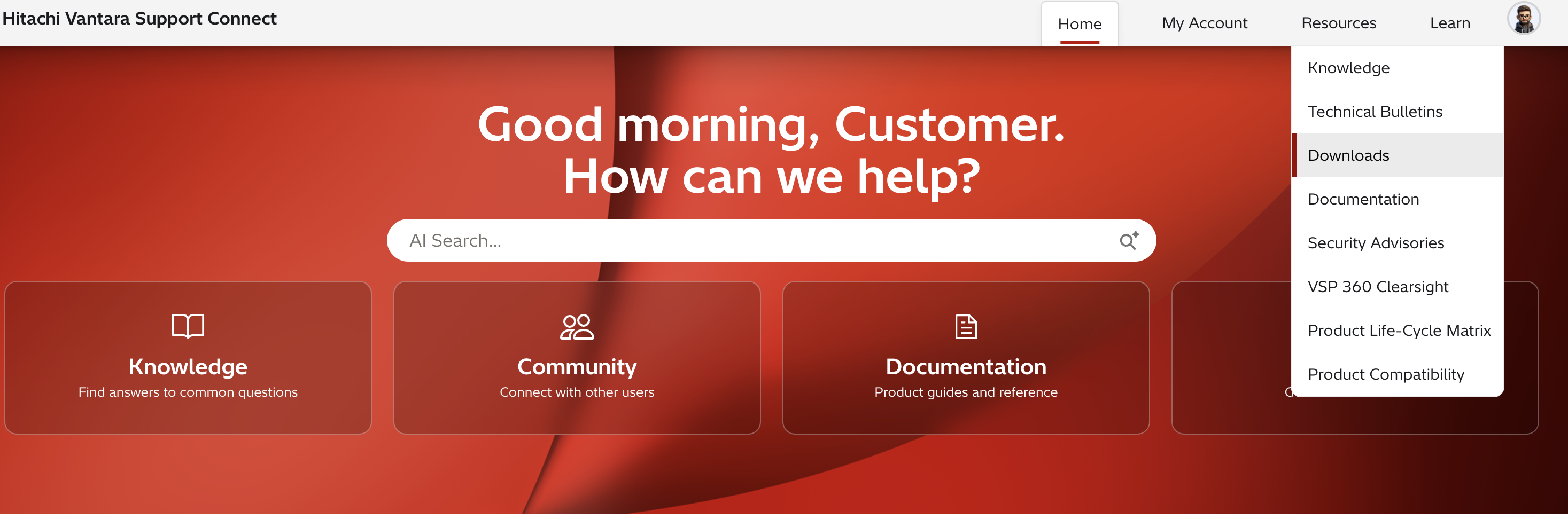
- To find a download you can filter by type, product or system name in the Filter Downloads... search box.

- Click the Download button next to the desired download and agree to the terms of the End User License Agreement.
Note: Make sure your pop-up blocker is turned off for downloads to work properly.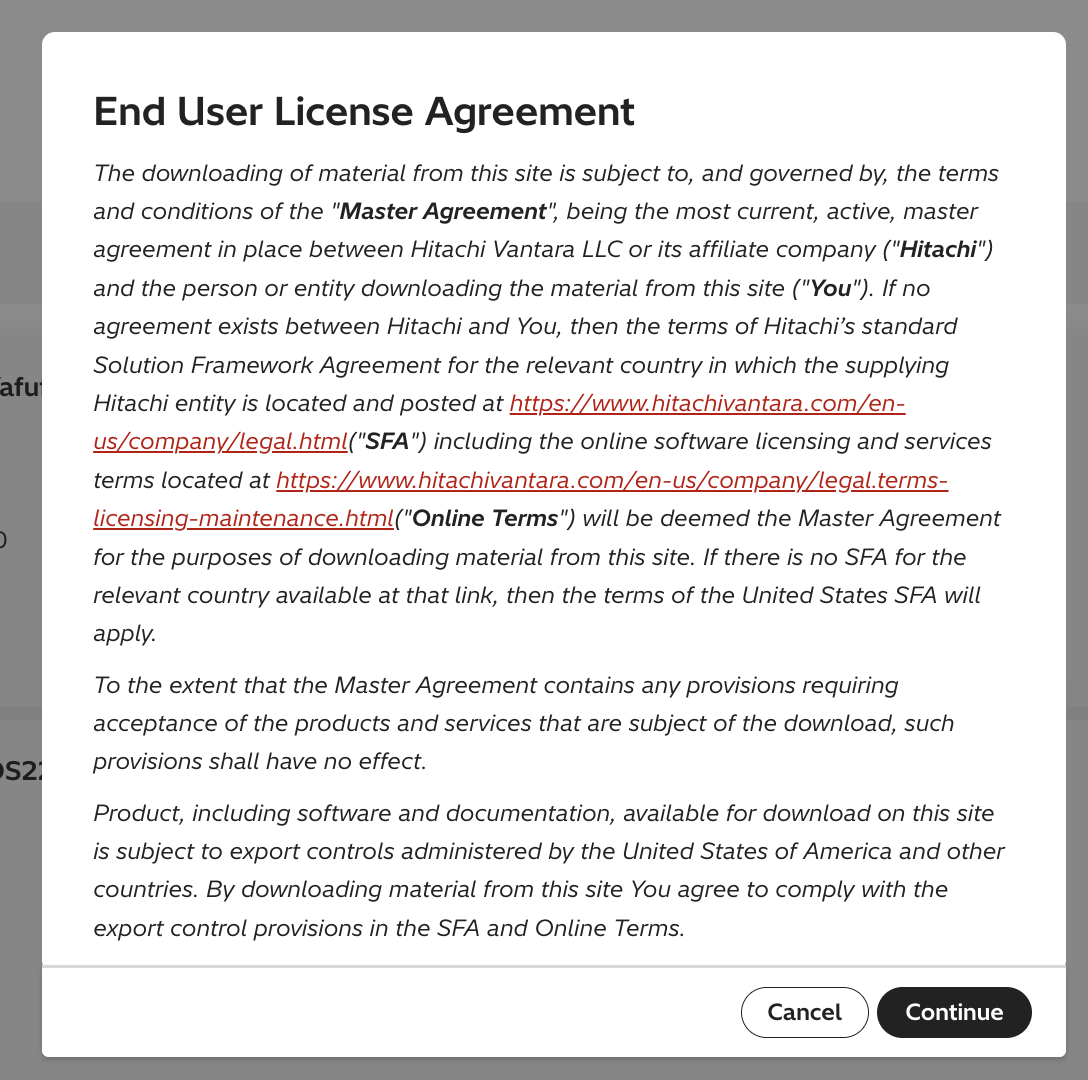
Pentaho Downloads
Pentaho downloads can be found on the Pentaho Support Portal, please note a Pentaho Support Portal login is required to access downloads.
Third-party Downloads
- For Networking downloads including Cisco, Brocade (Broadcom), QLogic, and Extreme Networks select the appropriate download button to go to the third-party site.

Additional Notes
For more information about Support, please see the following articles:
CXOne Metadata
downloads, networking
CXOne URL: https://knowledge.hitachivantara.com/Support_Information/Support_Website/How_to_Access_Product_Downloads
Solution Properties
- Keywords
- Downloads
- Solution ID
- 242403050063074
- Last Modified Date
- 06/09/2026 02:13:32 PM
- Attributes
-
Page Privacy and Permission Assignment
- Page Privacy: Private
- Page Level Permissions: Anonymous; Employee; Service Partner; Customer; IT; eServices
- Article: howto
- Pagetype: knowledgearticle
- Taxonomy
- Collections
-
- Guest (Public)
- Views
- 0